
A Practical Home Battery Maintenance Checklist for Longer Backup Life
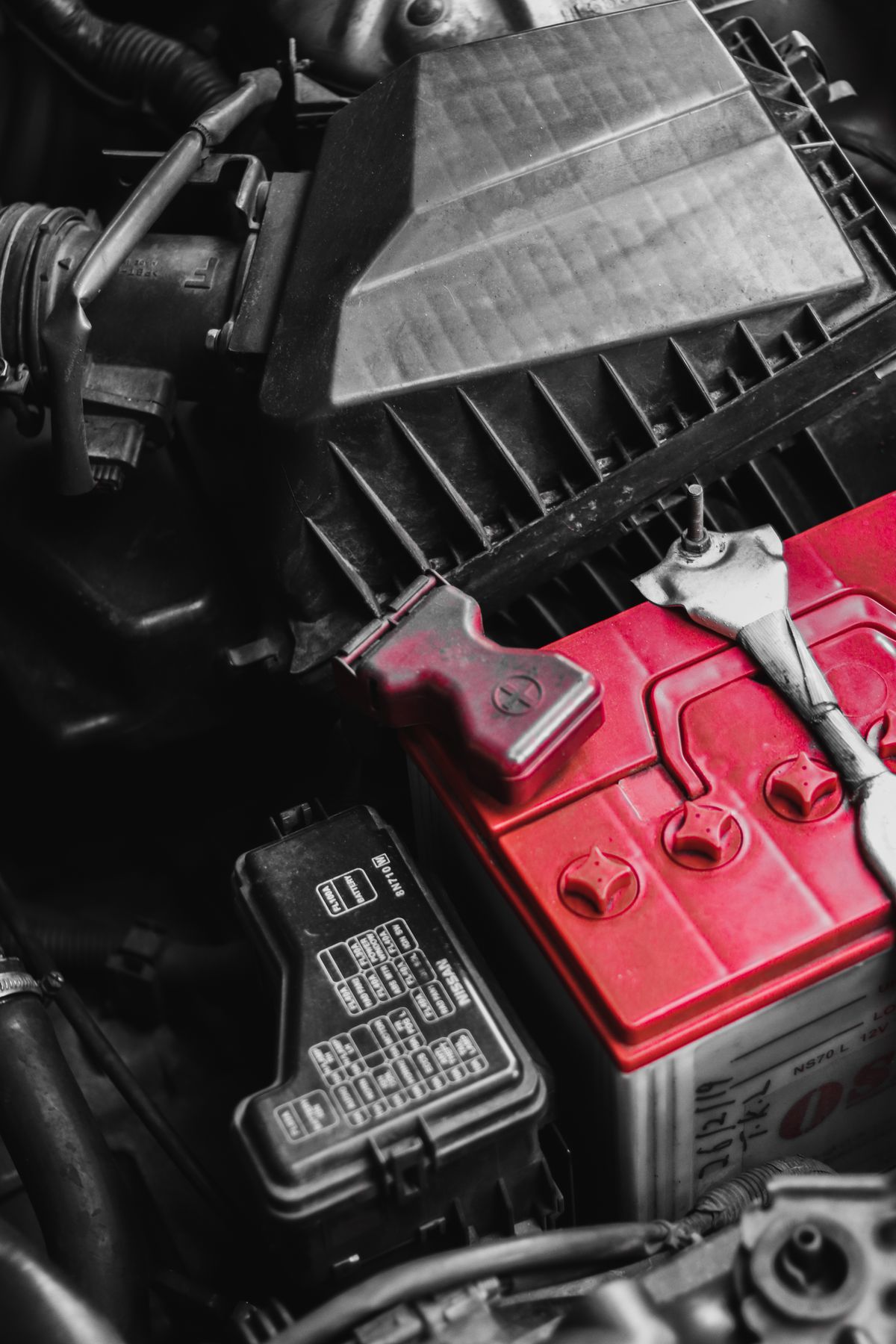
Home backup batteries usually fail early for ordinary reasons rather than dramatic ones. Loose terminals, neglected charging patterns, dusty battery tops, and a lack of simple routine checks can quietly reduce runtime month after month. A practical maintenance checklist helps you catch those problems early and keeps your inverter or UPS setup more predictable when power interruptions happen.
The goal is not to turn a homeowner into a laboratory technician. It is to make the system observable. When you know what normal charging behavior looks like, how clean the terminals should be, and how often water levels or casing temperatures should be reviewed, you can act before weak performance becomes a costly replacement.
Why a checklist works better than memory
Many battery issues develop slowly. A household may notice slightly reduced backup time, but because the drop is gradual, nobody records it. By the time the difference becomes obvious, sulfation, corrosion, or chronic undercharging may already be well established. A checklist creates repeatable habits and makes it easier to compare one month with the next.
- It reduces skipped inspections.
- It highlights changes in backup duration.
- It helps identify charging problems sooner.
- It creates a maintenance record useful for replacement planning.
Monthly inspection routine
Set one date every month for a short visual and performance review. Choose a time when the system has been operating normally for at least a few days so your observations reflect regular usage rather than emergency stress.
| Item | What to inspect | Why it matters |
|---|---|---|
| Terminal condition | Look for white, blue, or green buildup | Corrosion increases resistance and weakens charging/discharge performance |
| Cable tightness | Check for movement or looseness | Loose joints can heat up and reduce efficiency |
| Battery case | Inspect for swelling, cracks, or leakage marks | Physical damage may point to overcharging or aging |
| Runtime pattern | Compare current backup time to previous notes | Gradual decline often signals health loss before complete failure |
| Ventilation | Confirm air flow around the battery bank | Heat accelerates wear and shortens service life |
Cleaning and safety basics
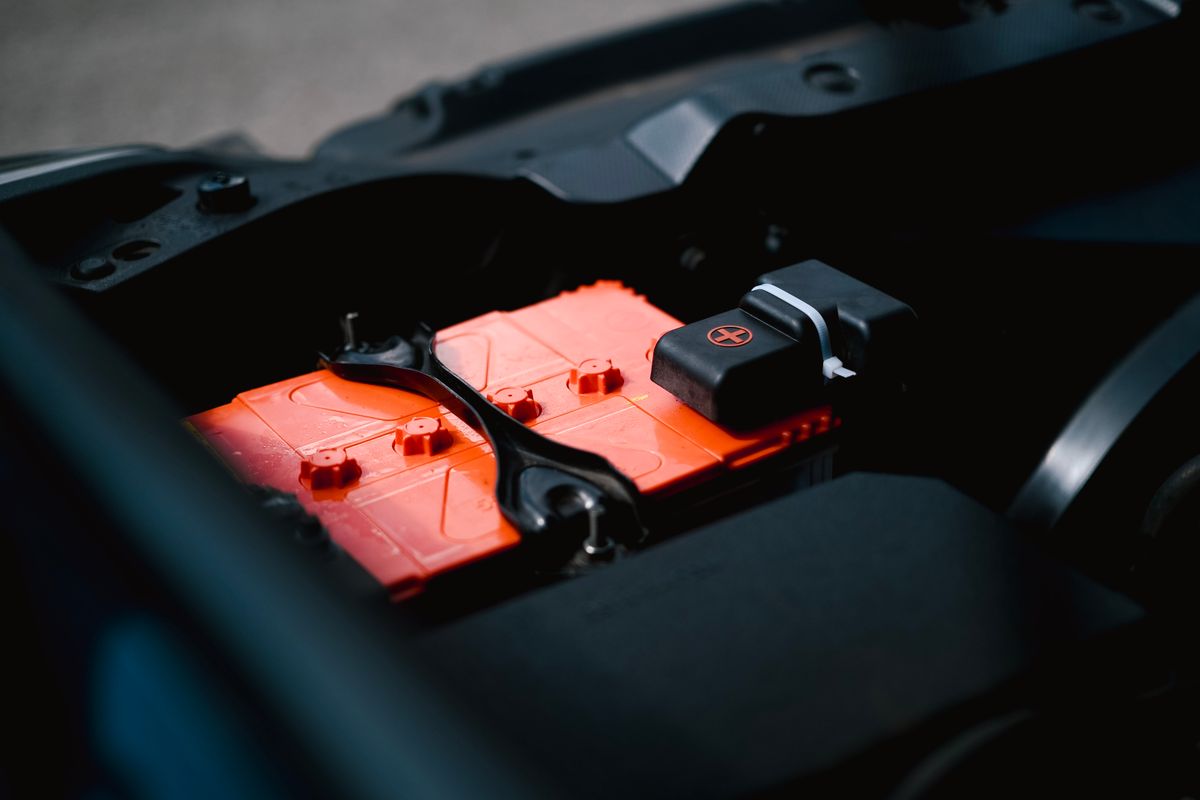
Before cleaning, switch off the connected system according to the manufacturer workflow and use appropriate protective gear. The safest routine is gentle: dry dust removal first, followed by careful terminal cleaning only where corrosion is visible. Never treat aggressive scraping as a normal maintenance method. The aim is to restore clean contact surfaces without damaging clamps, posts, or seals.
A simple example: if a battery top is dusty and slightly damp from humidity, that surface grime can contribute to self-discharge paths over time. Wiping it clean and dry is a small task, but repeating it regularly keeps the surrounding area easier to inspect and helps you spot leaks faster.
Charging behavior to track
Users often focus only on the battery and forget that the charger or inverter controls much of the outcome. If charging continues for unusually long periods, if the battery gets hotter than normal, or if runtime drops after repeated shallow or incomplete charging cycles, the issue may be upstream. Record patterns such as frequent deep discharge, long recovery times, or charging that never seems to settle.
This is especially important in homes where outages happen daily. In those cases, a battery can spend much of its life in a stressed state. Load management matters just as much as chemistry. Reducing unnecessary lighting, old fans, or oversized connected loads can improve the real lifespan of the bank without changing the battery itself.
Sample household checklist
- Turn off nonessential load and inspect the battery area in good light.
- Check terminals, cable tightness, and visible signs of residue.
- Clean the battery top and nearby shelf or tray.
- Record approximate backup time from the last outage event.
- Note unusual heat, smell, or charging duration.
- Review whether recent load growth may explain reduced runtime.
When maintenance becomes replacement planning
A checklist does not prevent all failures. It does, however, help you recognize the transition from maintenance to replacement. If backup time continues to shrink despite clean connections, stable charging, and reasonable loading, the battery may simply be approaching the end of its useful service life. At that point, documented observations make the decision easier and reduce guesswork. If runtime changes suddenly, follow our home power and battery troubleshooting workflow to separate a battery issue from a charger, connection, or load problem.
For readers comparing runtime issues, it also helps to review our archive guides on extending UPS and inverter backup, protecting battery terminals from corrosion, and why lead-acid batteries fail earlier than expected. Together, these articles provide a more complete framework for maintenance rather than a single isolated fix.
The most reliable systems are rarely the most complicated ones. They are the ones that get small, consistent attention. A monthly battery checklist is one of the simplest habits you can build, and it often delivers a better return than a last-minute replacement during the next outage.