
How to Decide Between an HDD Upgrade and an SSD Upgrade
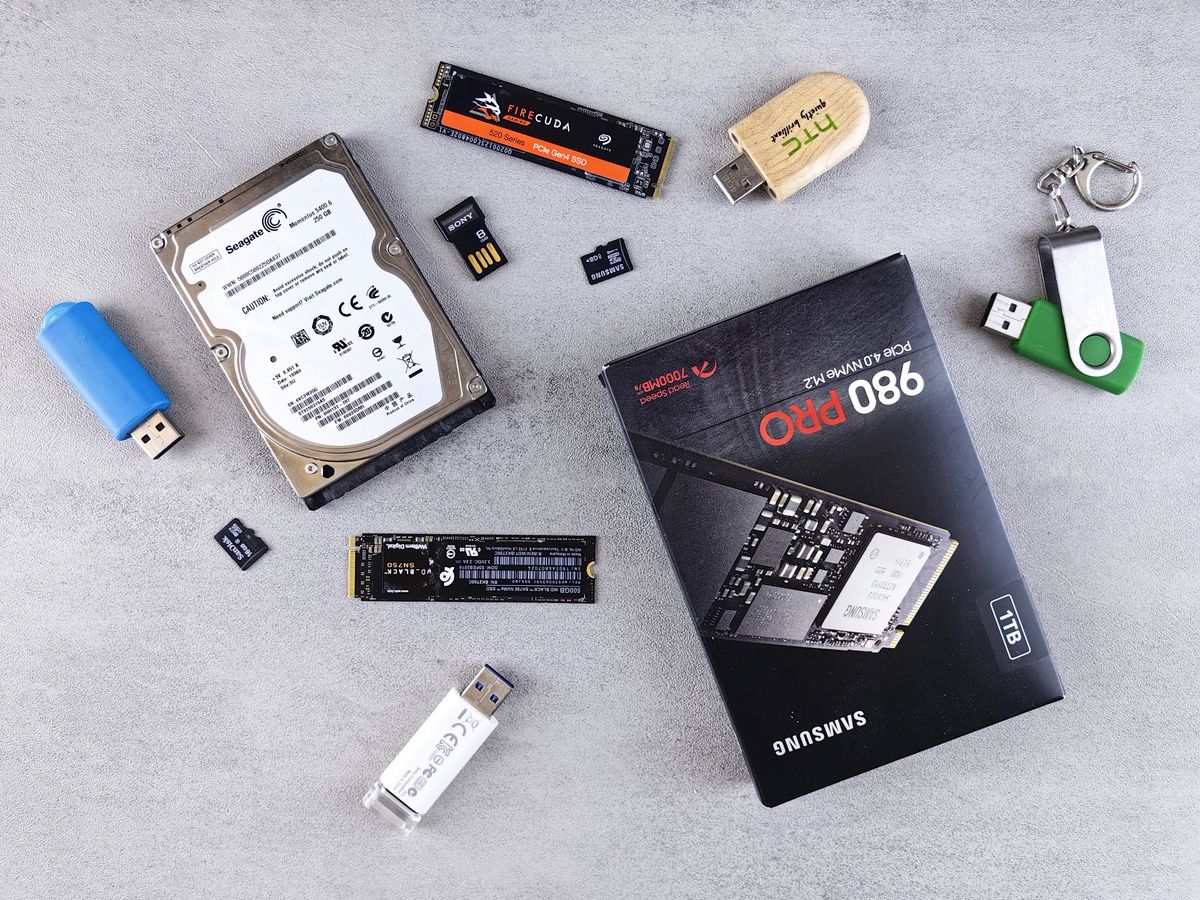
Choosing between a hard disk drive upgrade and a solid-state drive upgrade is easier when you stop asking which technology is “best” and start asking which problem you are trying to solve. Some users need faster boot times and snappier application loading. Others need large, affordable capacity for media libraries, backups, and project archives. The right answer depends on workload, budget, and tolerance for complexity.
The confusion usually appears when buyers compare headline speed numbers without thinking about storage behavior over months or years. A fast drive that fills up too quickly may create frustration. A spacious drive that leaves the whole system feeling slow may also be the wrong fit. The better decision comes from balancing responsiveness, capacity, and resilience.
Where SSDs deliver the clearest advantage
SSDs provide the biggest benefit when the system drive is the bottleneck. Operating system startup, software launches, file indexing, temporary project files, and general responsiveness all improve when a slow system disk is replaced with solid-state storage. This is why even a modest SSD can make an older laptop feel dramatically more modern.
- Faster boot and restart times
- Quicker application launching
- Improved multitasking responsiveness
- Better performance for portable systems because there are no moving parts
Where HDDs still make sense
Hard disk drives remain useful when the priority is economical capacity. Large media collections, bulk backups, surveillance recordings, and secondary storage libraries often benefit more from affordable high-capacity HDDs than from premium solid-state space. If the workload is mostly sequential storage rather than constant operating system access, a hard drive can still be a rational choice.
| Scenario | Better fit | Reason |
|---|---|---|
| Old laptop feels slow | SSD | Responsiveness matters more than raw capacity |
| Home media archive | HDD | Large low-cost storage is the main goal |
| Photo or design workstation | SSD + HDD | Fast active projects with spacious secondary storage |
| Budget desktop refresh | Small SSD first | Best perceived speed improvement per upgrade |
| Backup-only device | HDD | Capacity and cost efficiency are usually more important |
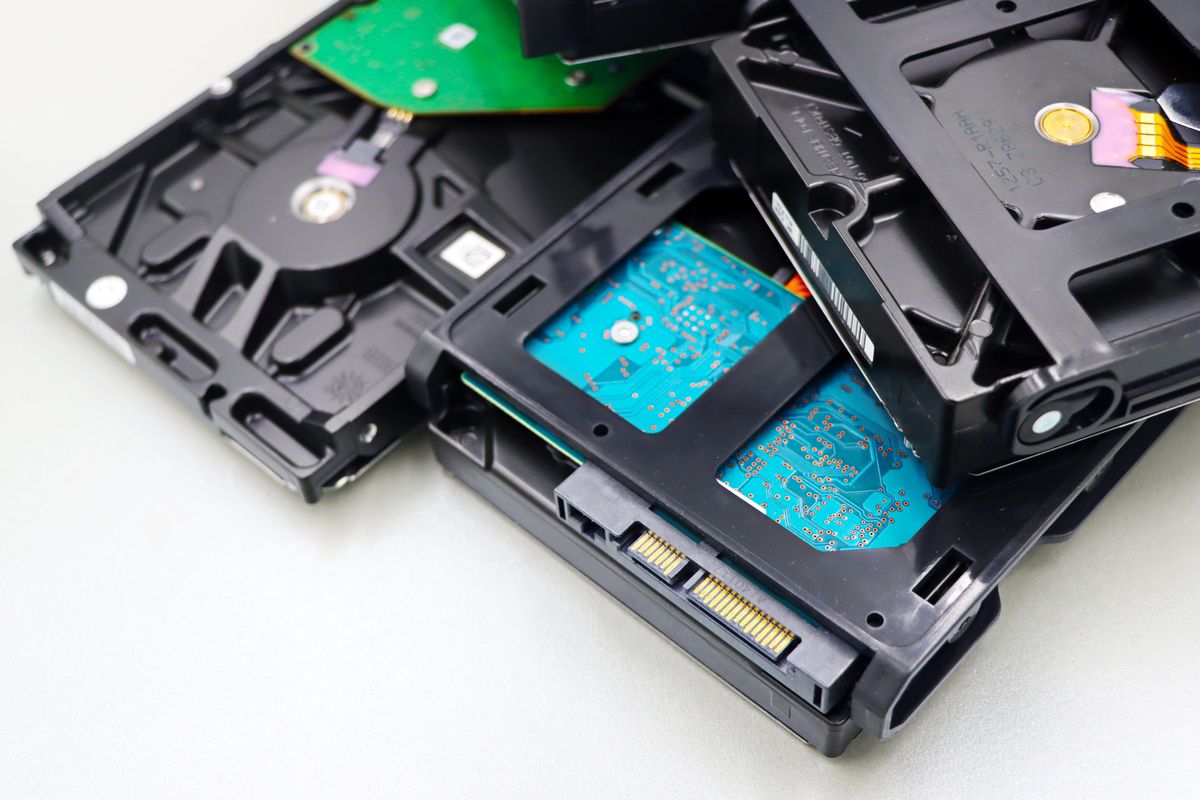
One-drive versus two-drive thinking
Many upgrade decisions improve when you stop treating the choice as either-or. A two-drive layout often provides the most balanced result: use an SSD for the operating system and active applications, then keep an HDD for bulk storage and structured backups. This approach also makes future upgrades easier because the system and archive roles are separated.
For example, a home editor working on short videos may store current project files on an SSD for speed while moving completed exports to a larger HDD. The system feels responsive during active work, but storage costs remain under control.
Cost, lifespan, and backup expectations
Shoppers sometimes overfocus on theoretical lifespan comparisons and underfocus on backup behavior. Both HDDs and SSDs can fail. The more important question is whether your data organization assumes failure is possible. If important files exist in only one place, the drive type matters less than the absence of a backup strategy.
That said, upgrade value still depends on price discipline. If a larger SSD would force you to delay backups, skip an enclosure, or ignore capacity needs, a mixed setup may deliver more real-world value. Conversely, if your machine feels painfully slow and you interact with the system drive all day, postponing an SSD can be false economy.
A simple decision framework
- List your primary pain point: slow system response or insufficient capacity.
- Estimate how much active storage you actually need for the next year.
- Decide whether a two-drive setup is physically possible in your device.
- Reserve part of the budget for backup, not just the drive purchase.
Recommended thinking for most users
For many desktops and upgradeable laptops, the most practical answer is a moderate SSD for the operating system plus a larger HDD for archives and backups. For sealed ultrabooks or minimalist office machines, a single SSD may be the better path because simplicity and responsiveness are the priority. For storage-heavy households, an HDD still has an important role even if the system itself benefits from solid-state speed.
If you want more background before choosing, compare this article with our archive pieces on using HDD and SSD together, advantages of hard disk drives, and advantages of solid-state drives. Those guides help frame the decision from both performance and long-term storage perspectives.
An upgrade works best when it solves a real bottleneck and fits the way you actually store, access, and protect your data. Once that becomes the focus, the HDD versus SSD question becomes much easier to answer.